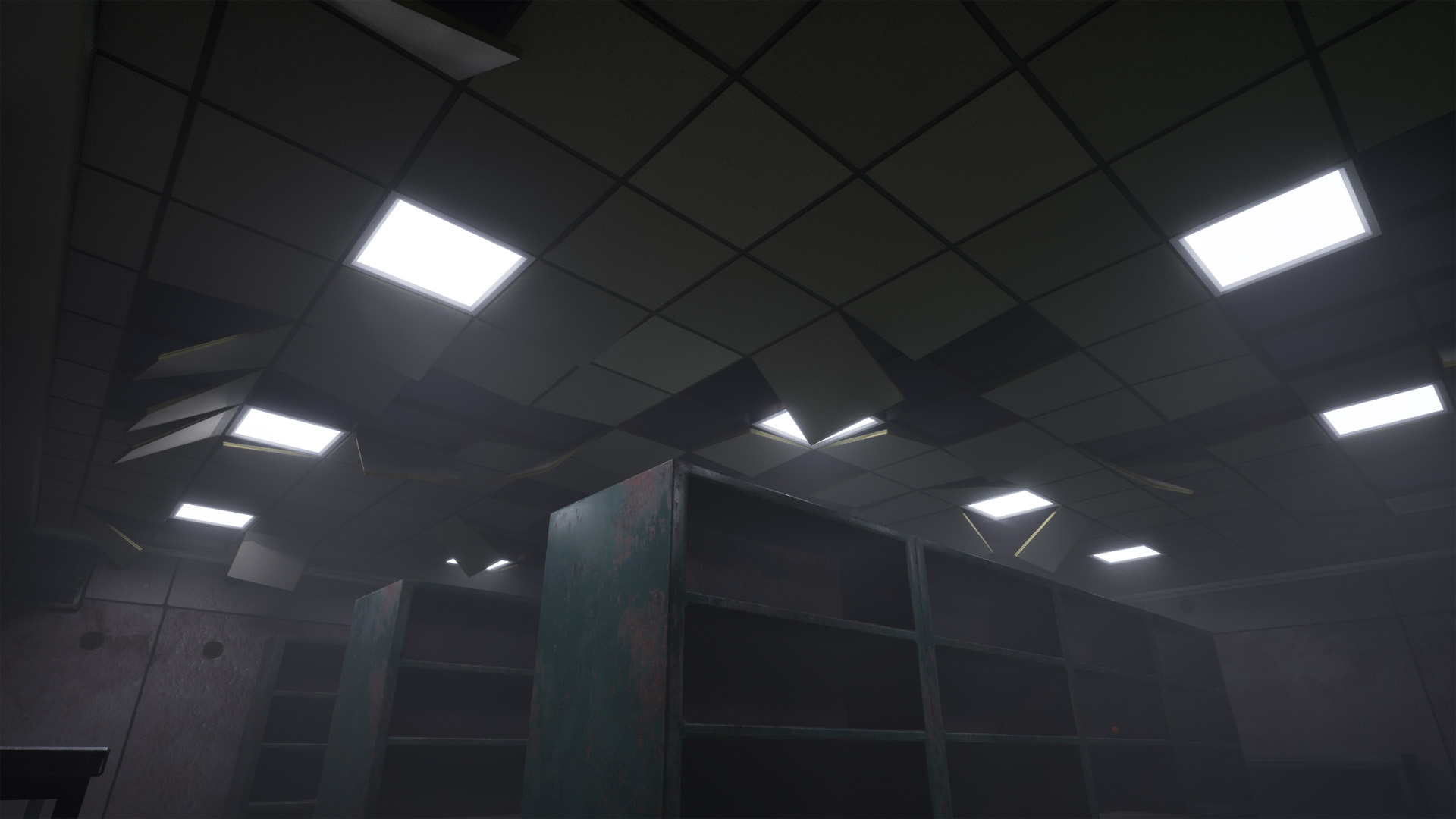
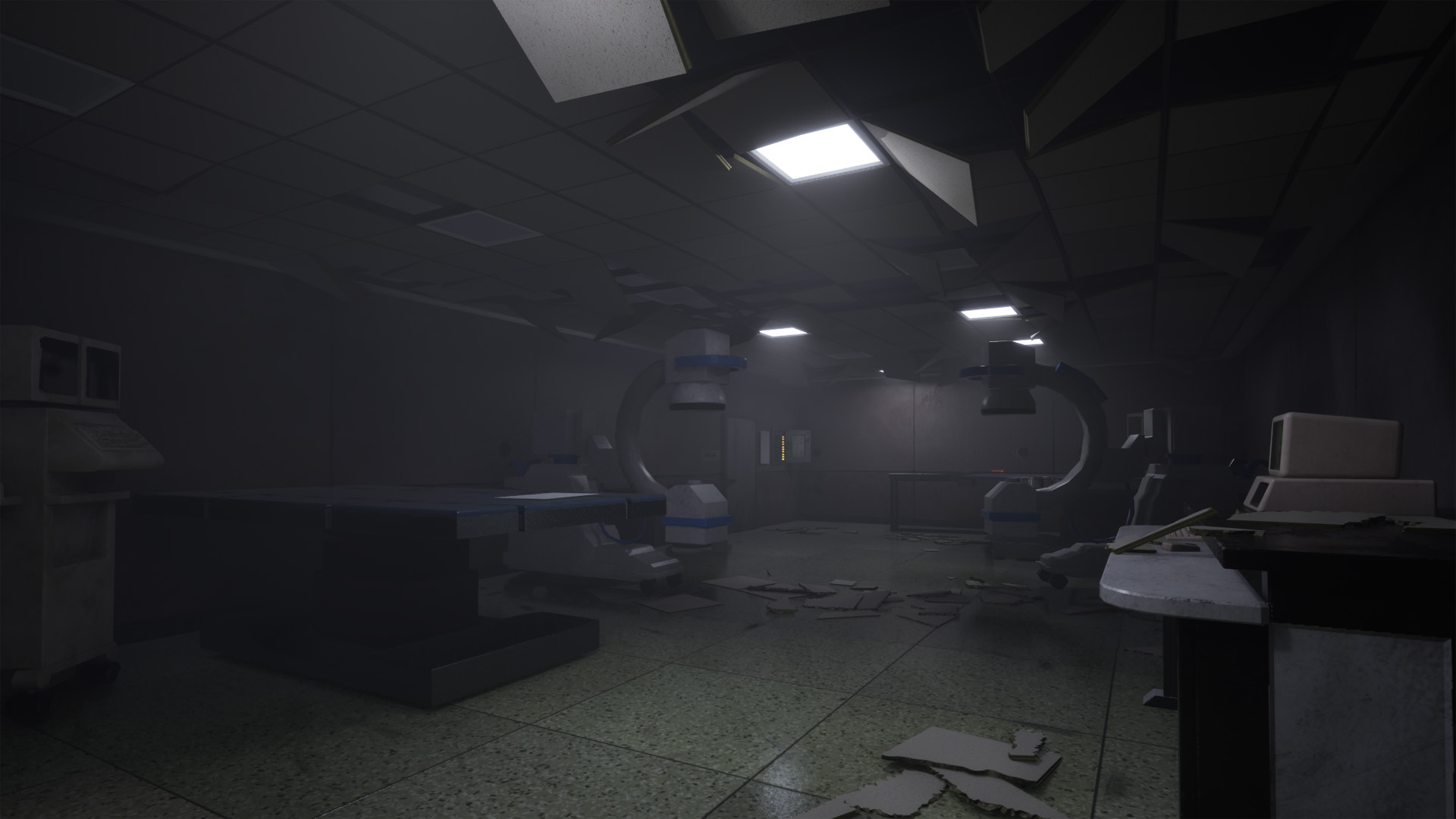
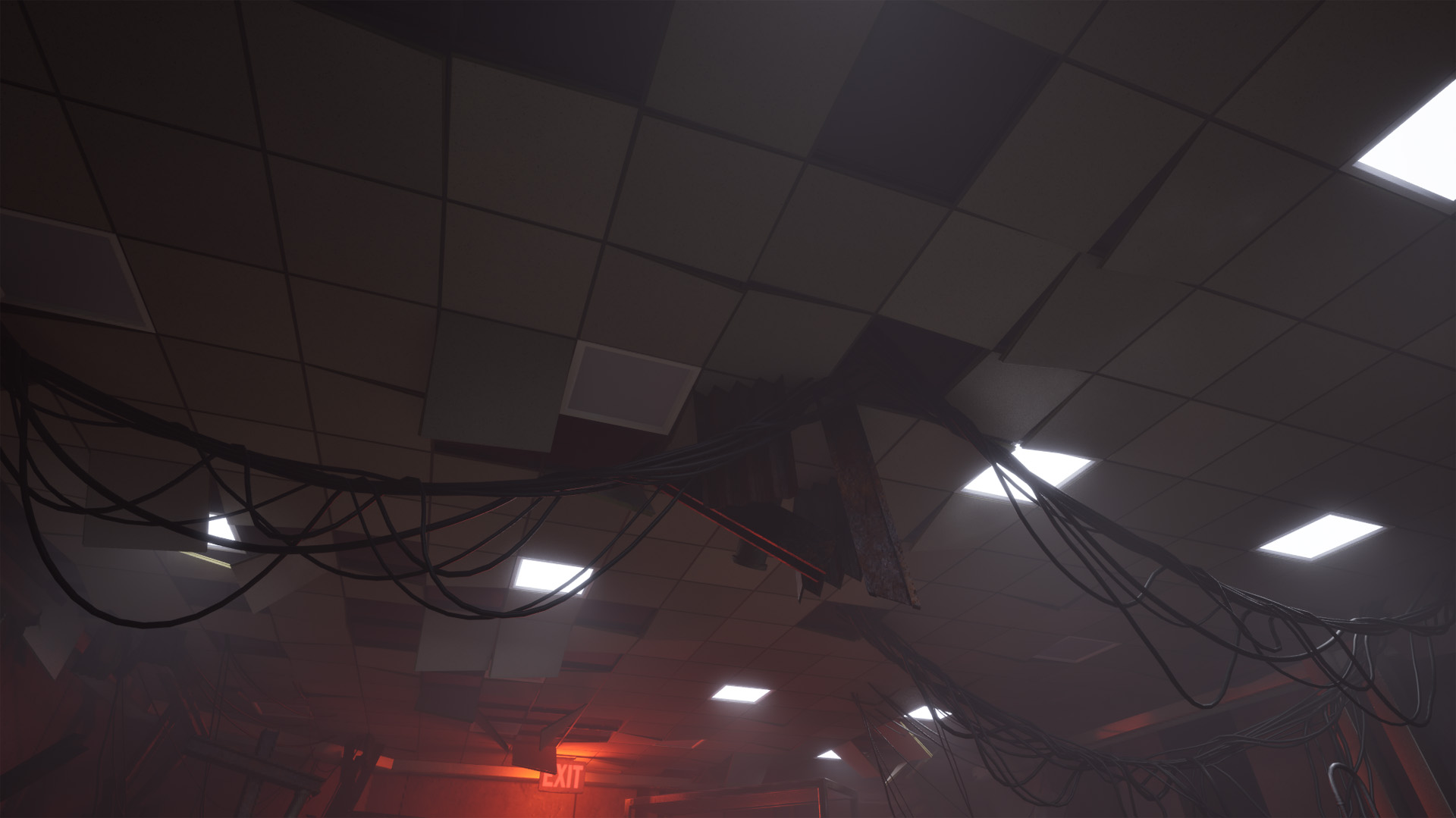
- Procedurally generate drop ceiling based on room shape
- Physics simulation for hanging and shattered tiles
- Light module (Blueprint) instancing
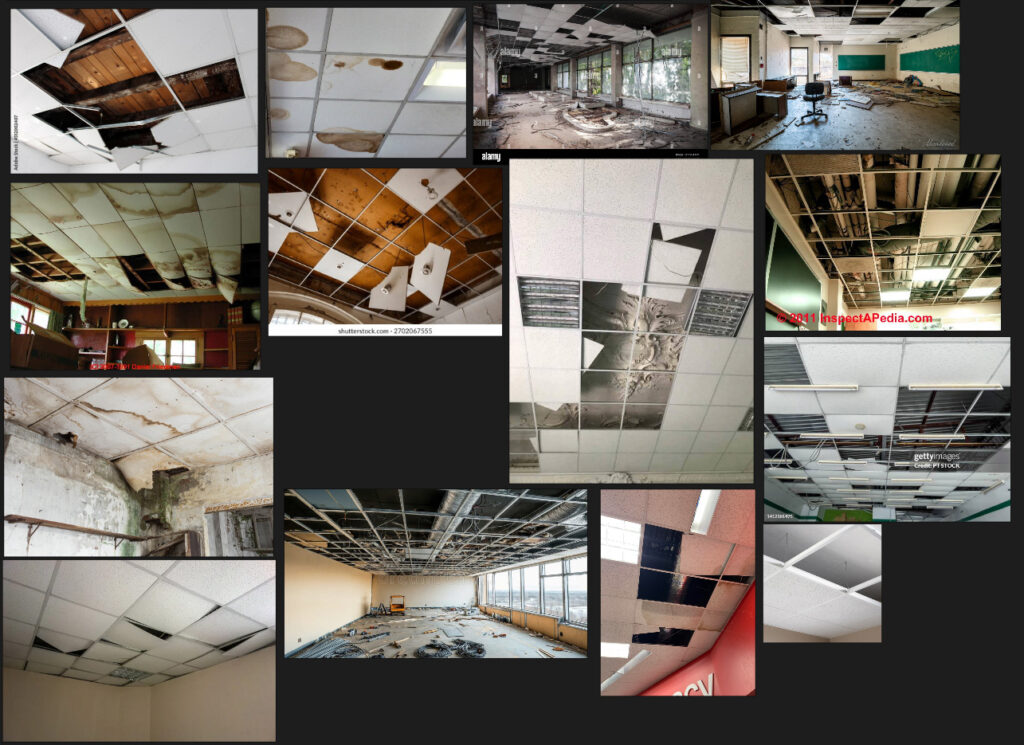
We needed something to boost the visuals in the environment for With It We Leave , and I thought that drop ceilings would be a good option with tiles that are hanging off or ones shattered on the floor. The best option to do this was to make a procedural tool in Houdini, so that it can be reused many times.
Shape generation
To get the shape of the drop ceiling, I’m relying on a plane that is cut by the walls of the room input by the user.
To do this, I used a boolean cut combined with a fuse. Since this can result in multiple primitives, I’m selecting the one that overlaps with the center point of the source plane.

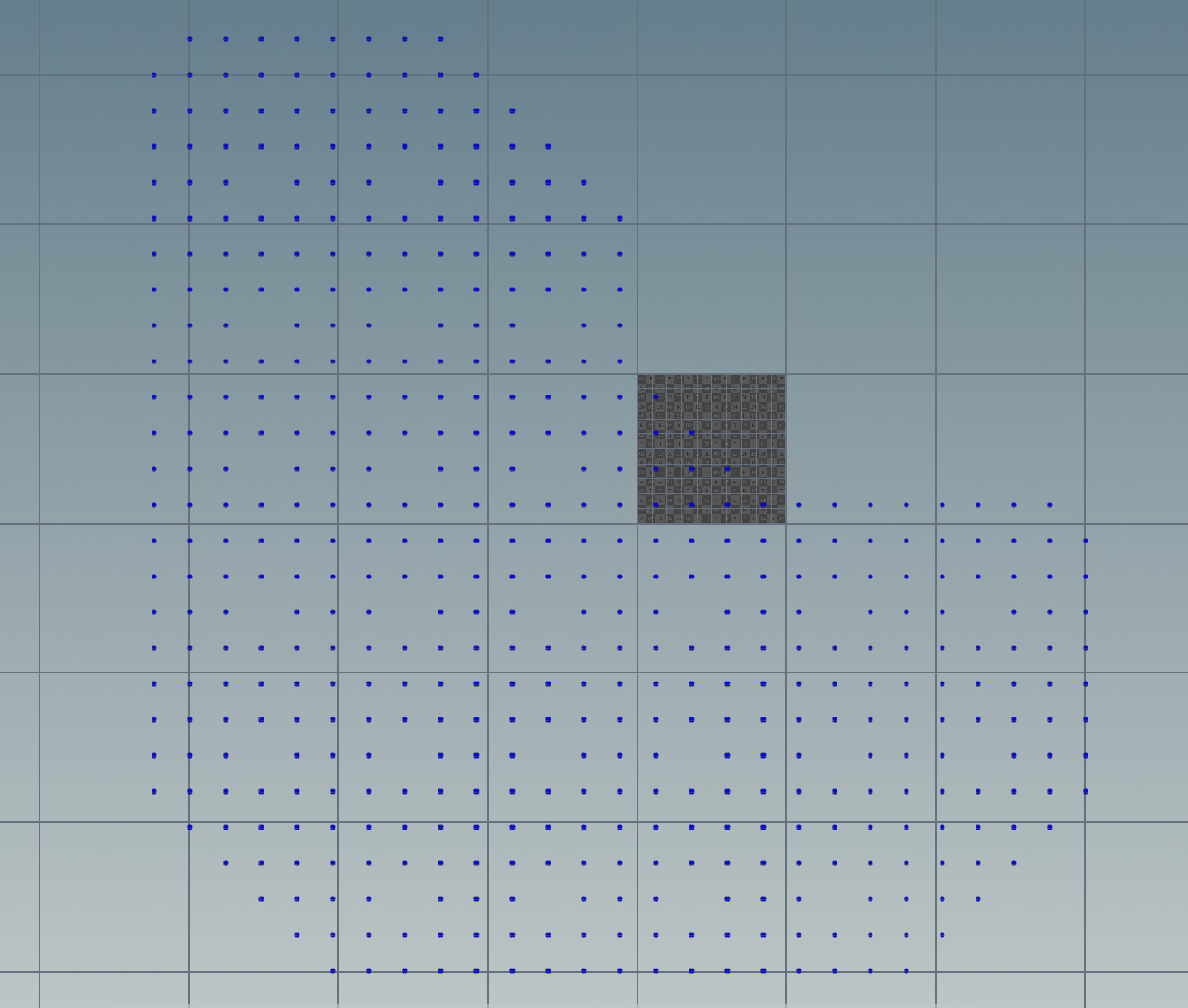
Tile and rail grid
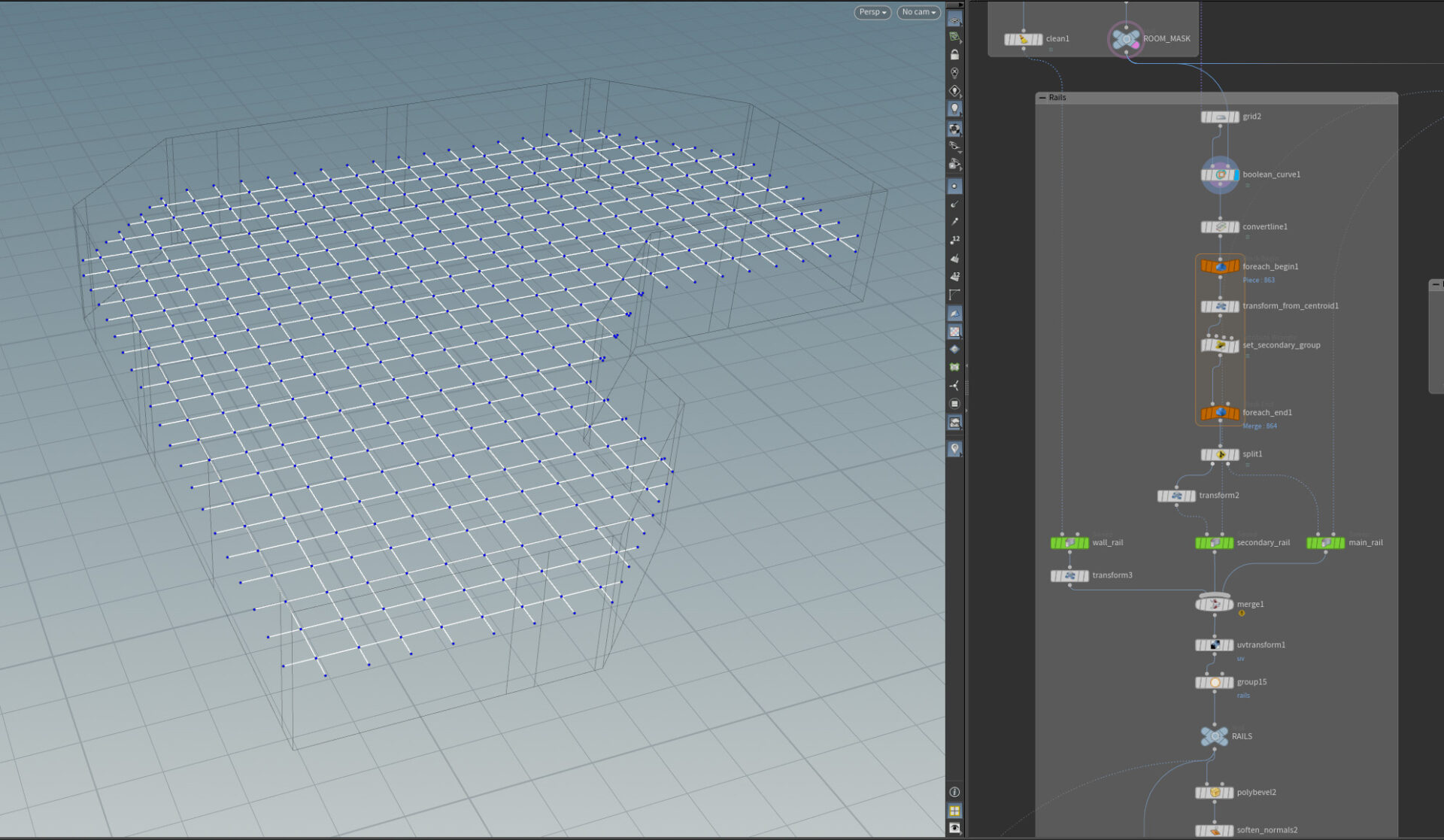
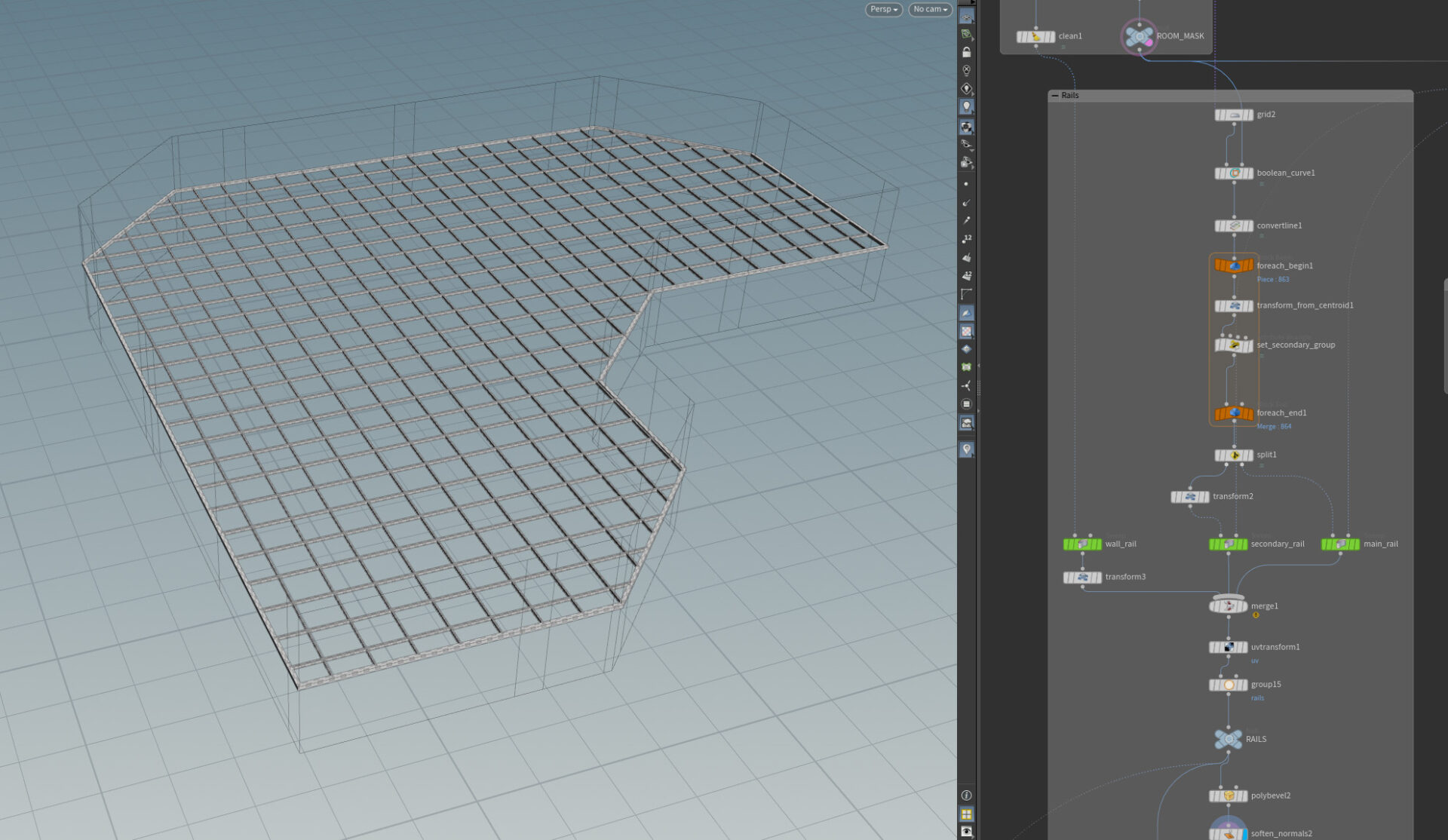
To generate the rails, I’m using a polyline grid combined with a curve boolean that I sweep the profile onto.
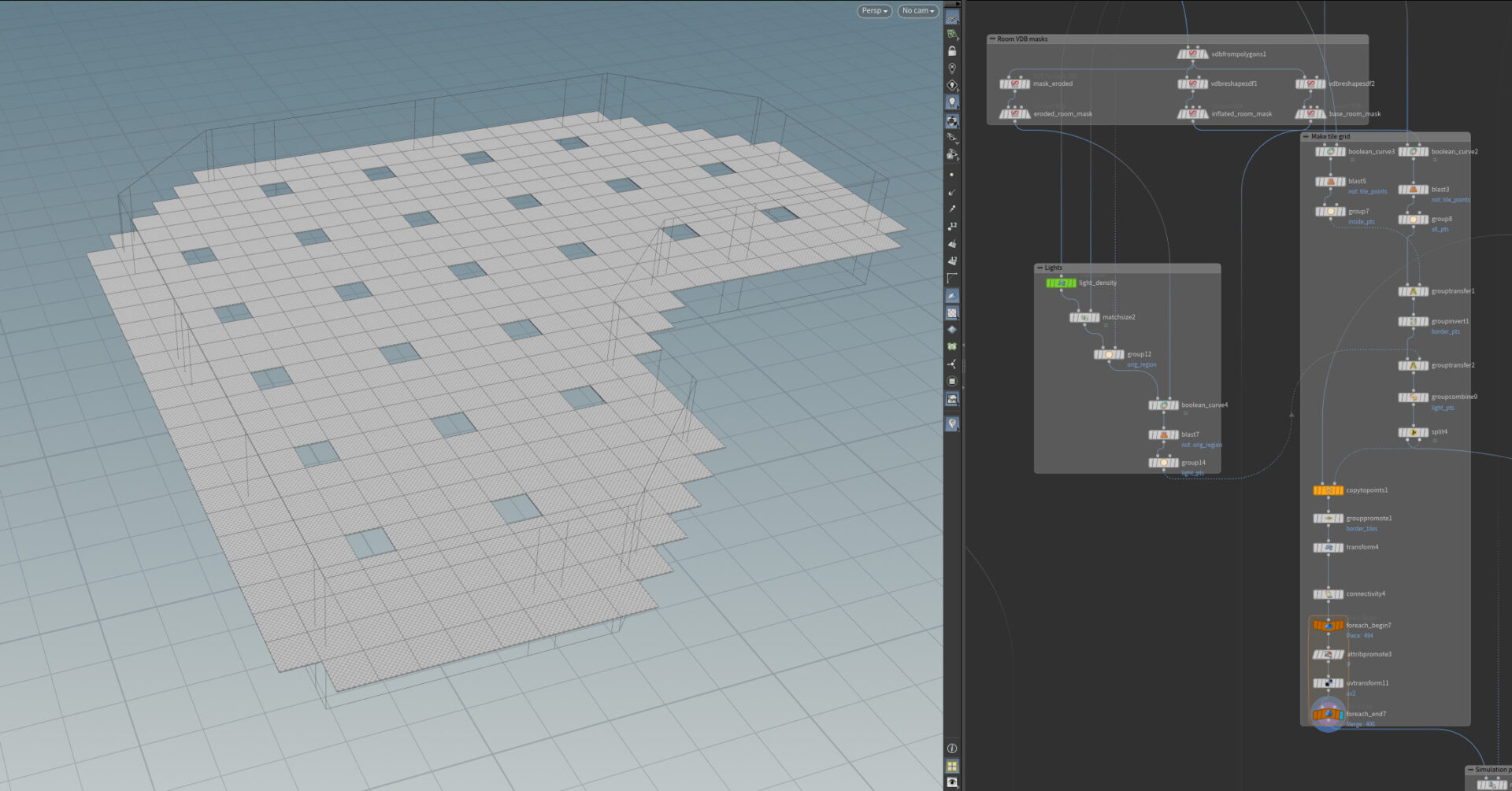
For the tiles, I’m using a grid with just points as the source. Points where the light modules will be instantiated are separated, as this will be done at the very end.
Simulations
To start the simulations, I’m scattering points on the source primitive that I copy spheres to with a random Z offset and scale, I’m calling these “particles”.
By default all 4 corners of each tile are pinned, if any corner is inside a particle it gets unpinned. If all or 3 (depending on user input) corners get unpinned, the tile will fall and shatter.
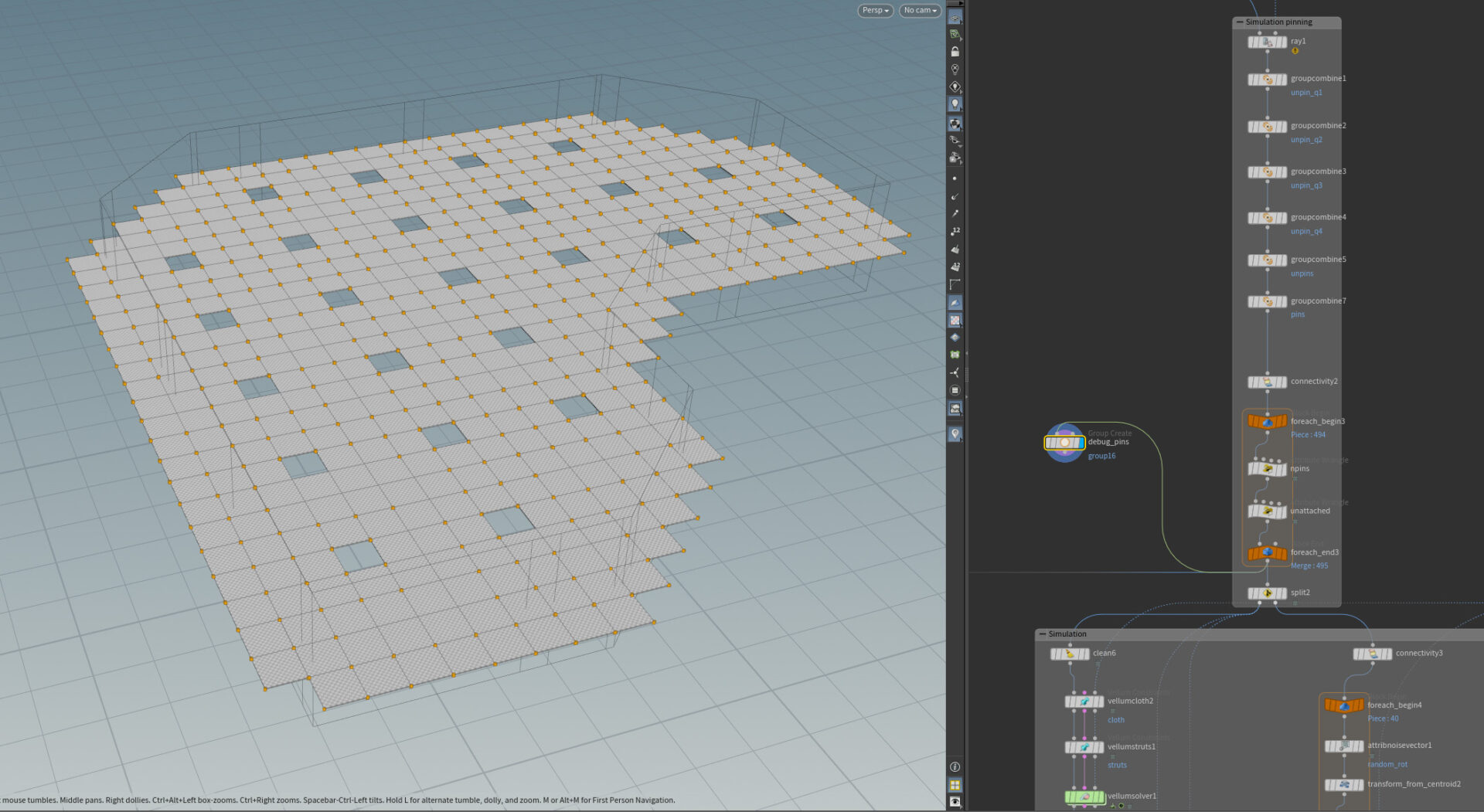
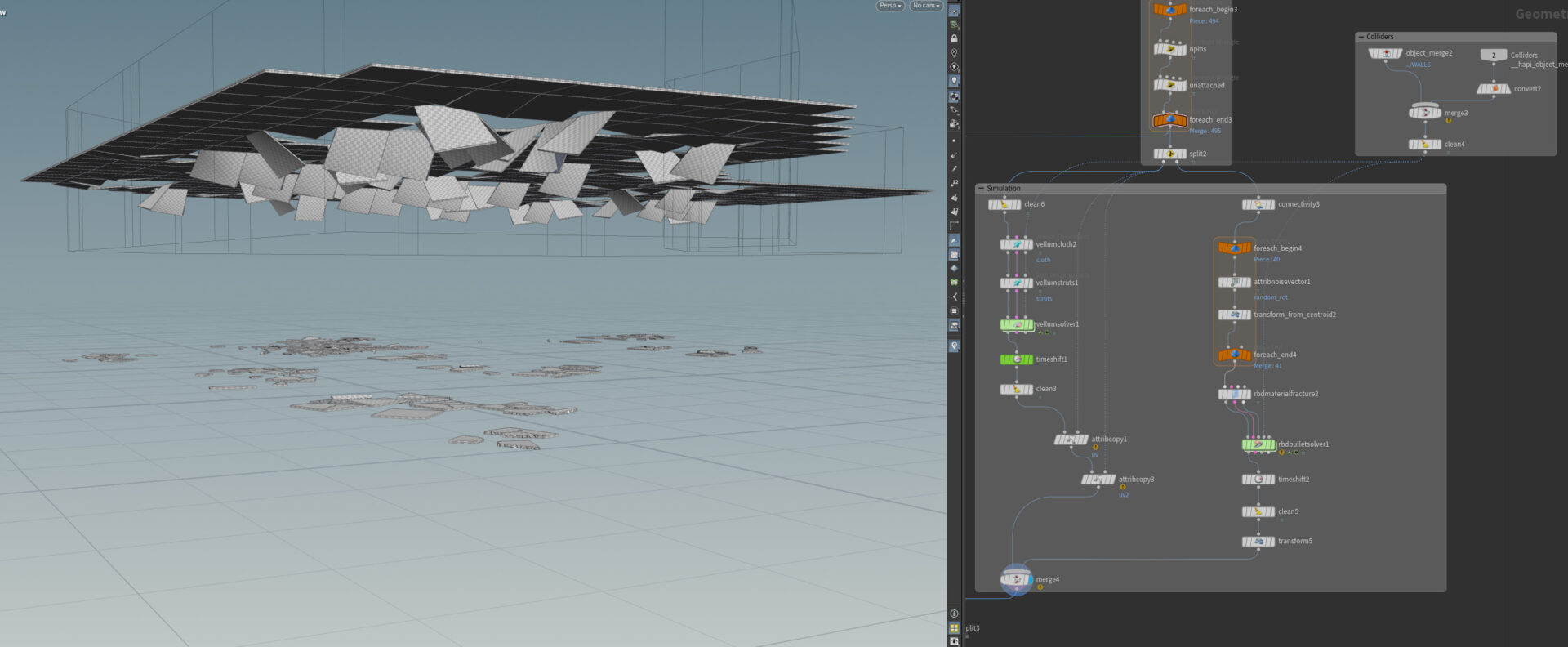
The fallen tiles use a RBD simulation, while the ones still attached to the rails use Vellum. This gives the attached tiles that dropping or sagging look.
UVs
I’m using a trim sheet texture that combines the steel rails; and the surface, side, and inside of the tiles. To achieve this, I’m using a lot of UV transforms to make sure every island fits in the corresponding trip ID.
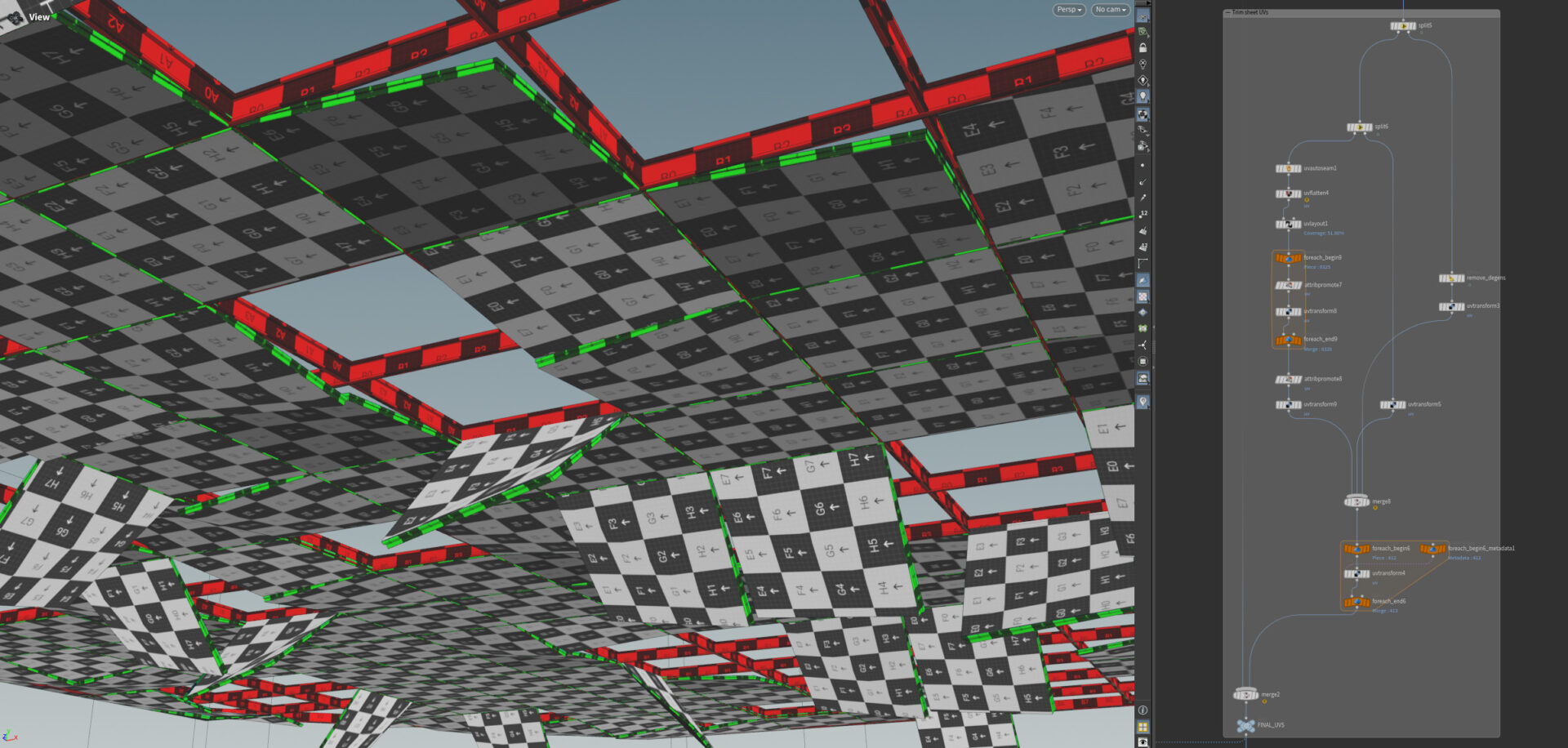
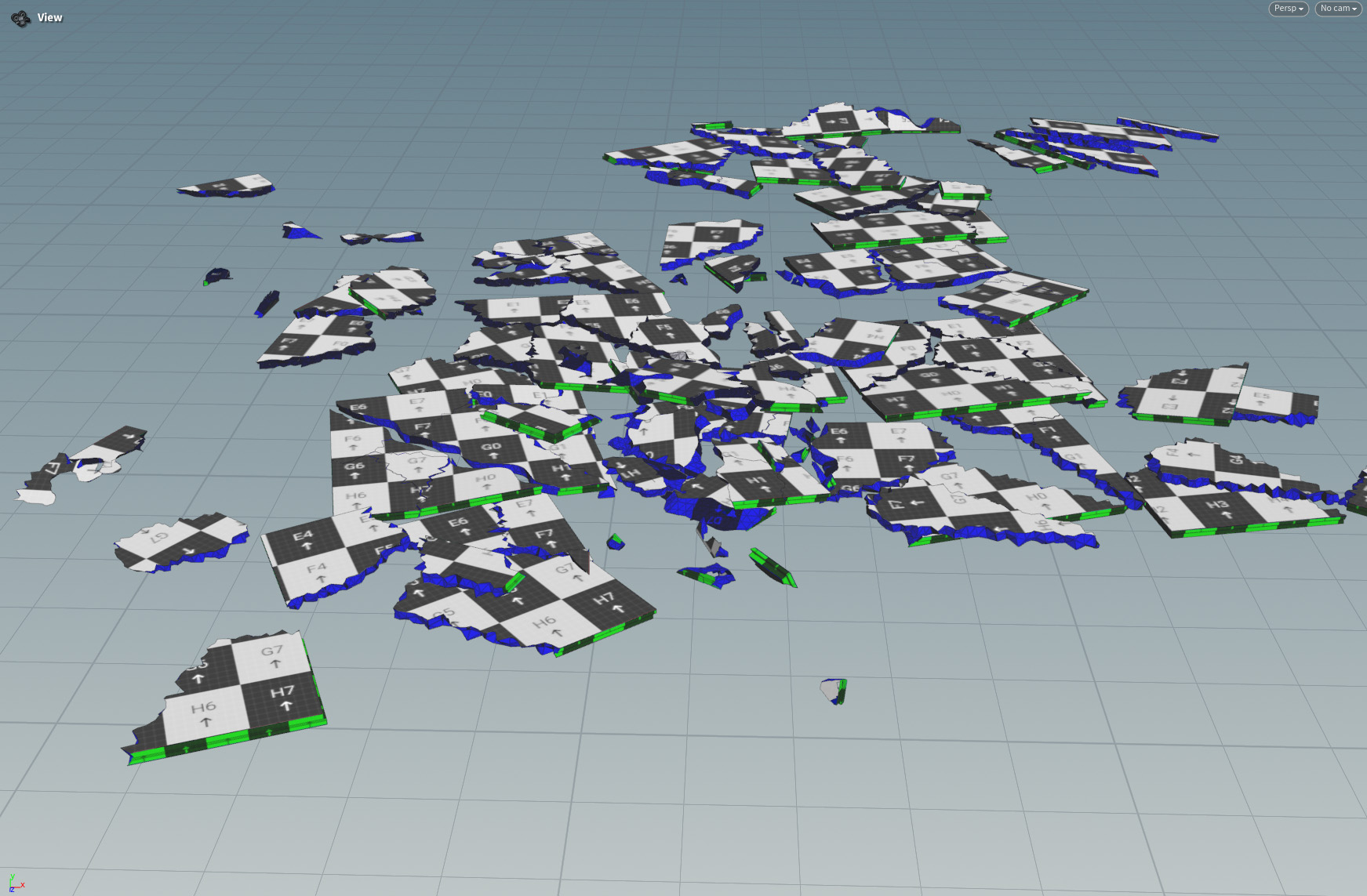
I’m also generating a 2nd UV channel that contains the positions of each tile by making a scaled-down, planar-planar projected of each that match the grid’s resolution. I’m using this to apply a random color variation using a shader in Unreal Engine.